
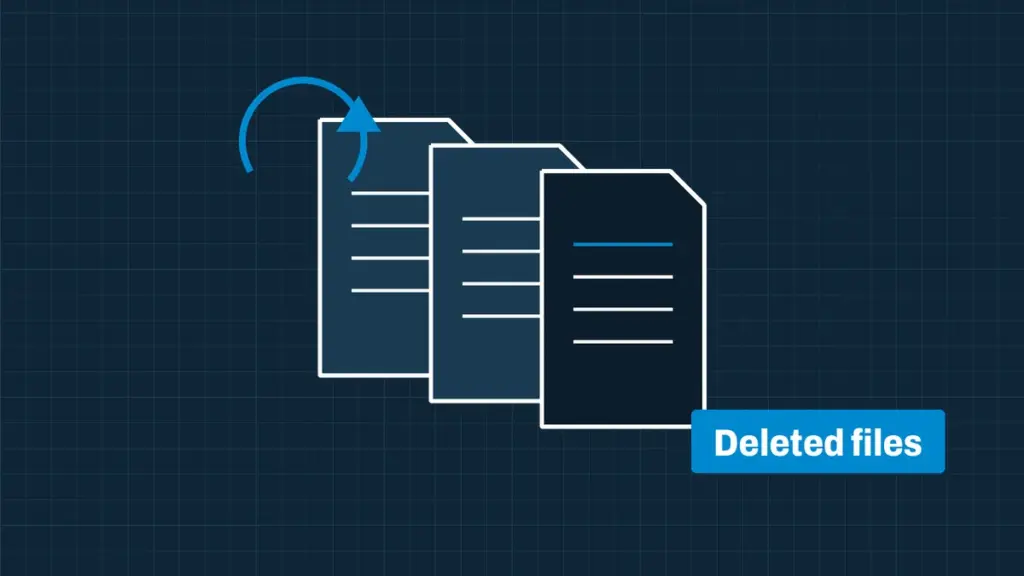
When a file is deleted, the drive only marks its space as free. The data stays there until something else is written over it. The less the drive is used after a deletion, the more we can bring back.
Stop using the drive now
- Don’t install recovery software on the same drive: installing it can overwrite what you want back.
- Don’t save files, browse the web or let updates run on that computer.
- Shut it down, or unplug the external drive or card, and call us.
What we recover
- Files deleted from the Recycle Bin or Trash
- Formatted drives and deleted partitions
- Files lost after reinstalling Windows or macOS
- Overwritten folders and corrupted file systems
- Deleted emails, databases and accounting files
- Photos and video deleted from cameras and phones’ memory cards
SSDs and deleted files
Most SSDs erase deleted data in the background (TRIM), so deleted files on an SSD are much less likely to be recoverable than on a hard drive or memory card. It is still worth checking straight away.
How it works
Book online or call, and we collect the drive or you ship it to us. An engineer evaluates it, tells you what can be recovered and gives you a fixed quote. Recovery only starts when you approve it, and we work from a copy of the drive, never your only original.
Questions we get asked
Can you recover files deleted months ago?
Sometimes. It depends on how much the drive has been used since. The evaluation tells you before you pay for recovery.
Start your recovery
Book online for a job number and shipping instructions, or call and talk to an engineer. We evaluate the drive and give you a fixed quote before any recovery work starts.