
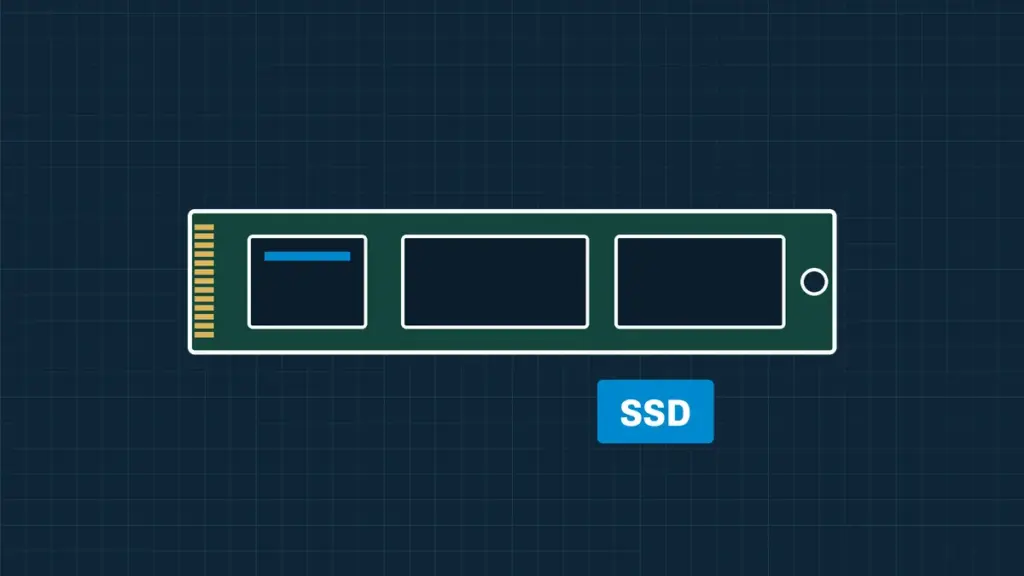
SSDs fail differently from hard drives. There is no warning noise: they stop being detected, show a strange name or the wrong capacity, or lock themselves read-only. We recover data from SATA, M.2 and NVMe SSDs from Samsung, Crucial, WD, SanDisk, Kingston, Intel and others.
SSD failures we recover from
- SSD not detected in the BIOS or Disk Management
- Wrong capacity, or a factory name such as “SATAFIRM S11”
- Controller and firmware failures
- Drives that went read-only or very slow
- Portable SSDs (Samsung T7, SanDisk Extreme) that disconnect or vanish
- Power surge and liquid damage
- Deleted files and formatted SSDs, where the data hasn’t been erased yet
A note on deleted files and TRIM
Most SSDs erase deleted data in the background within minutes, a feature called TRIM. If you have deleted something important from an SSD, shut the computer down straight away rather than continuing to work, and call us. Recovery is sometimes still possible, but every minute counts.
Laptops and Macs with soldered storage
Many thin laptops and every Apple silicon Mac have storage soldered to the motherboard, encrypted to that board. In those cases we repair the board itself to get the data back, so send the whole machine.
How it works
Book online or call, and we collect the drive or you ship it to us. An engineer evaluates it, tells you what can be recovered and gives you a fixed quote. Recovery only starts when you approve it, and we work from a copy of the drive, never your only original.
Questions we get asked
Is SSD recovery more expensive than hard drive recovery?
It can be, because controller and firmware faults need specialist tools. You get a fixed quote after evaluation.
Can you recover an encrypted SSD?
Yes, if you have the password or recovery key, for example your BitLocker recovery key.
Start your recovery
Book online for a job number and shipping instructions, or call and talk to an engineer. We evaluate the drive and give you a fixed quote before any recovery work starts.